
Where can I use Vokabulo, and how do I set it up?
On iPhone and iPad, download the app from the App Store. On a computer or an Android phone, open Vokabulo in your browser. One free account works on all of them and keeps your words in step. The setup asks for your languages and your proficiency.
Vokabulo runs on iPhone and iPad as an app, and everywhere else in your browser: on your computer, on an Android phone, on any tablet. One account covers all of them.
On iPhone and iPad
Download Vokabulo from the App Store.

On a computer or an Android phone
Open Vokabulo in your browser. There is nothing to download. How to install it and how your devices stay in step is in Vokabulo in the browser.
The setup
When you sign up, you’ll breeze through a quick setup. It is the same in the app and in the browser.
We just need to know your native language, the one you want to master, and a few bits of information that help us improve.
Your proficiency matters more than you might expect: it tells the AI whether to write you tourist basics or native nuance. You can change it any time in Settings – Languages. In the app this setting is called Proficiency, and it is a different thing from the Level on a word card, which says how well you know that one word.
Tell us why you are learning and Vokabulo tailors your starter vocabulary to it. Pick as many as apply.
Then you create your free account, with Apple, with Google or with your email address. Apple and Google are the smoothest way in, with no codes to type.
Prefer to use your email? No problem.
Vokabulo is passwordless. Enter your email address, and we’ll zip a six-digit code to your inbox. Type it in, and you’re in.
Sign in the same way on every device, with the same Apple, Google or email address. That is what makes it the same account, with the same words.
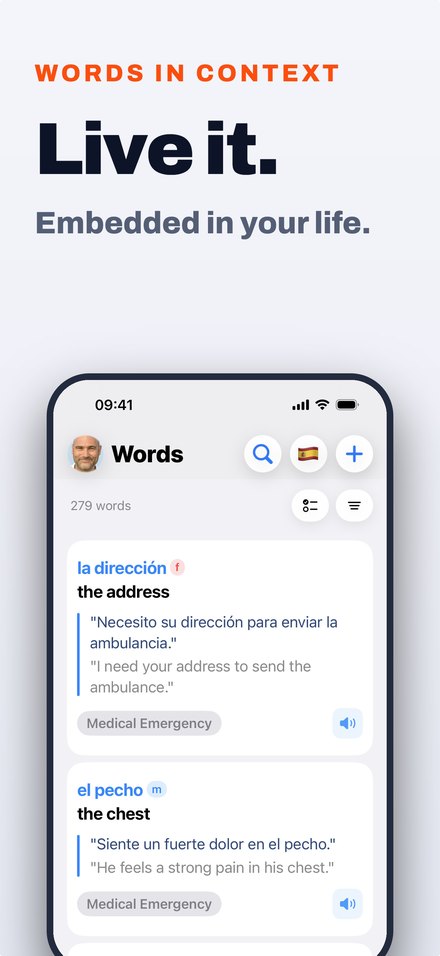
Once your languages are set and you have signed in, Vokabulo will prepare a sample set with colloquial expressions in your learning language. This only takes a few seconds.
That’s it. You land on the Home screen and your account is ready.